

Change your website without waiting on anyone.
Click any part of your page, and change it yourself, or tell your AI what you want. From updating a phone number to a whole new site - with no developer required. Your site stays under your control, in your GitHub and Cloudflare accounts. That's the power of yoflow.
Build Smart. Flow Better.

Same-day service, seven days a week
Licensed electricians for homes and small commercial buildings. Call before noon and we're usually there the same day.
Get a quote Kept in your GitHubDana · 9:41 am
 Published by Cloudflareyourwebsite.com
Works with the accounts you already have




Your AI account
Edit the real page, not an admin screen.
Most website systems are headless. You type into boxes on an admin screen, or ask someone else to make the change, then wait, open a preview and hope it's what you wanted. In yoflow you're looking at your actual page the whole time, whether you make the change yourself or ask your AI. No boxes to fill in, no preview button, no guessing. What you see is what goes live.
A headless CMS
- Find the right box in an admin screen
- Type the change, or ask someone to make it
- Wait
- Open a preview
- Hope it's what you wanted
yoflow
- Open your real page
- Change it yourself, or ask your AI
- See the change on the page
- Publish
Why most websites are out of date
A new phone number, a job posting, holiday hours. On most sites each one is a request to a developer or an agency, a wait, and often a bill. So it doesn't get done.
The people who know what should change can change it.
Invite who you want. They click the page and change it. You decide who can publish.
Make changes by hand. Or ask your AI.
Change anything, whenever you want, in the way that suits you. Both land in the same History, and nothing goes live until you publish.
On the page
Click what you want to change and change it.
- Click any words and type
- Drag a photo onto a photo to swap it
- Post news now, or schedule it
- Add a job opening to your Careers page
With your AI
Type what you want in plain words. Your AI does the work in yoflow.
- Build a new page, or a whole new site
- Change the same detail on every page at once
- Redesign a section to match the rest of your site
- Fix every broken link the SEO check finds
Build, change and publish by asking.
Tell your AI what you want: a new page, a new section, a whole new site. It does the work in yoflow and leaves it for you to check.
Made a mistake? Restore it in one click.
Every publish is kept. Pick the version from before and bring it back.
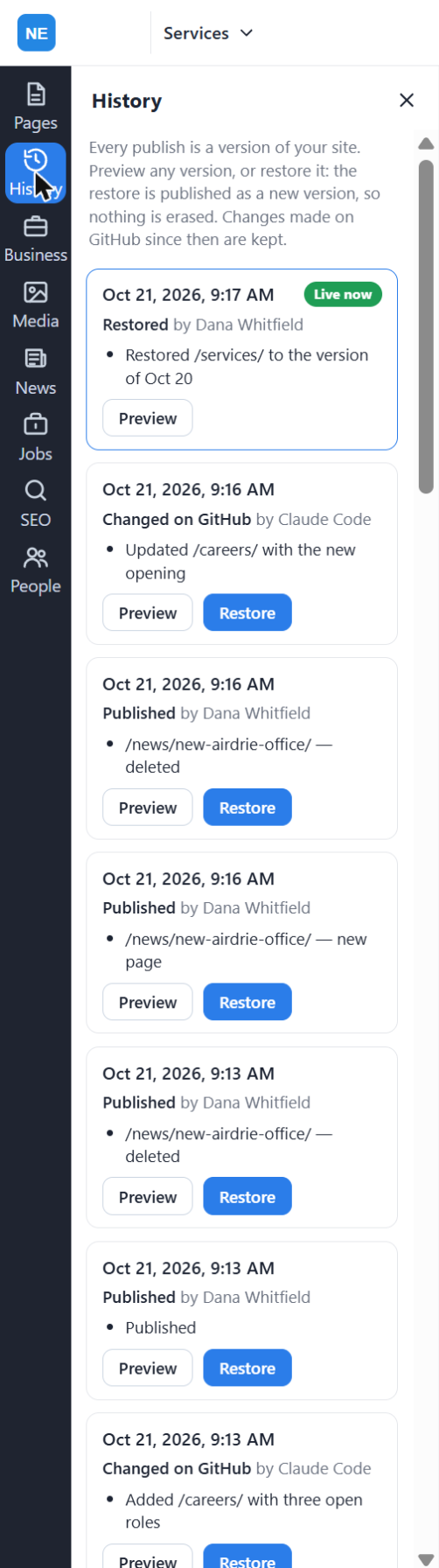
Move fast. Nothing goes live until you publish.
Changes from anyone who can't publish, and from your AI, wait in History until someone who can presses Publish.
Pages, news, jobs, SEO and people. One editor.
Everything you'd otherwise ask a developer for, or add a plugin for.
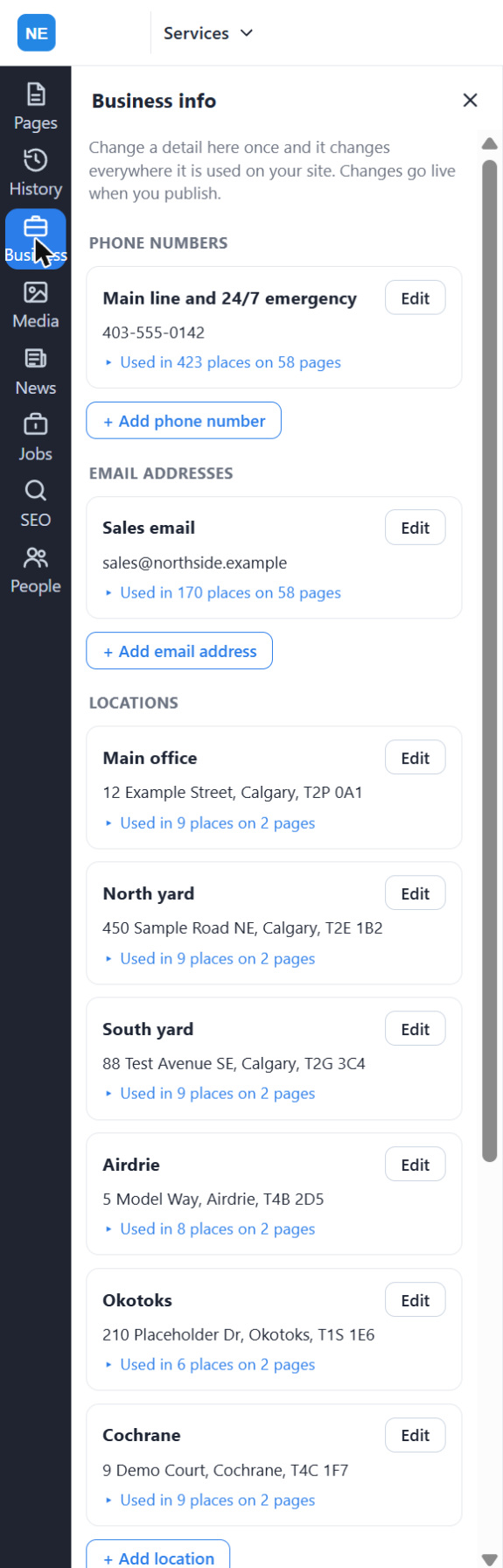
Change your phone number once. It updates on every page.
Numbers, emails and addresses live in one place. The panel shows every page that uses each one.
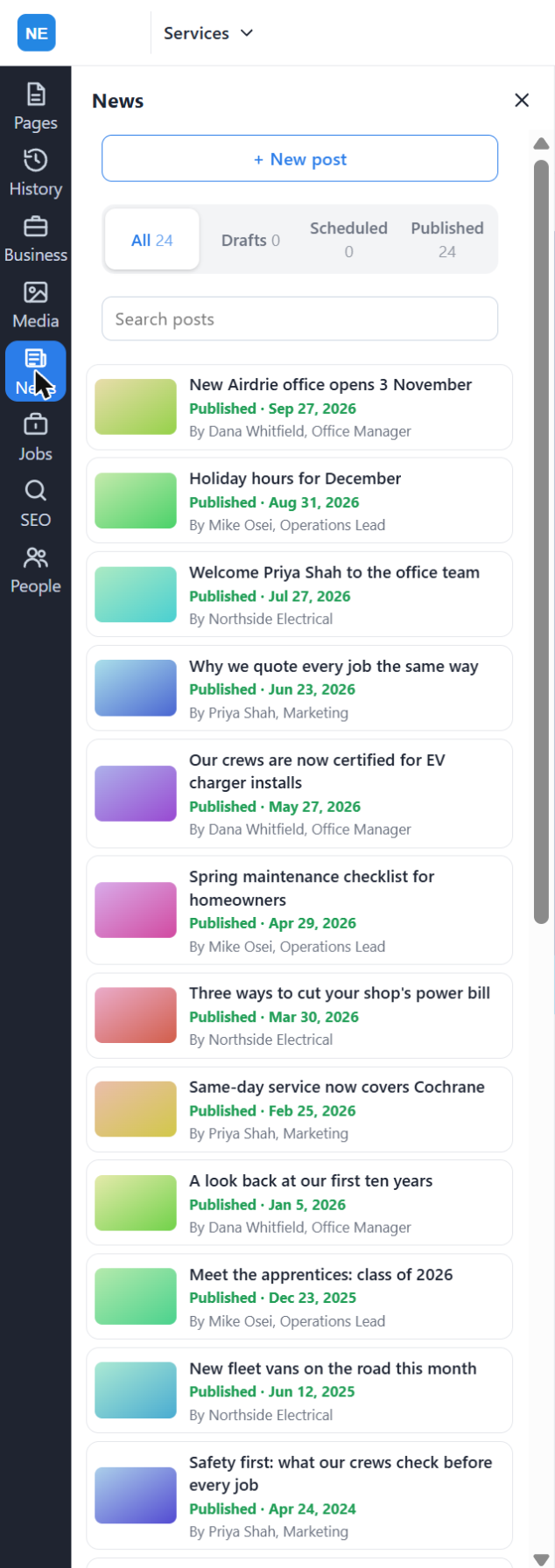
Post news now, or schedule it
Drafts, scheduled and published posts in one list. Pick a date and it goes live on its own.
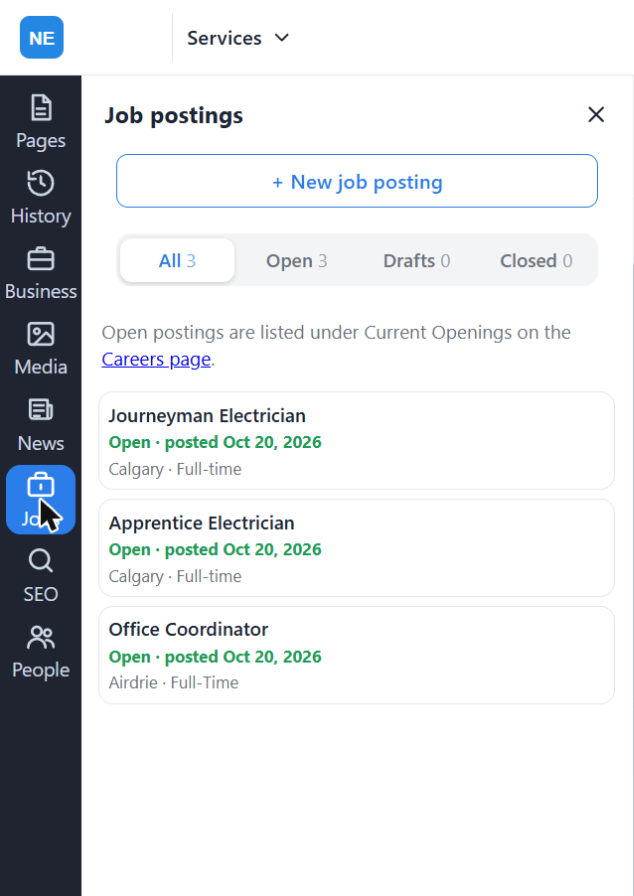
Post a job in a minute
Openings appear on your Careers page. Can integrate with most major job listing sites.
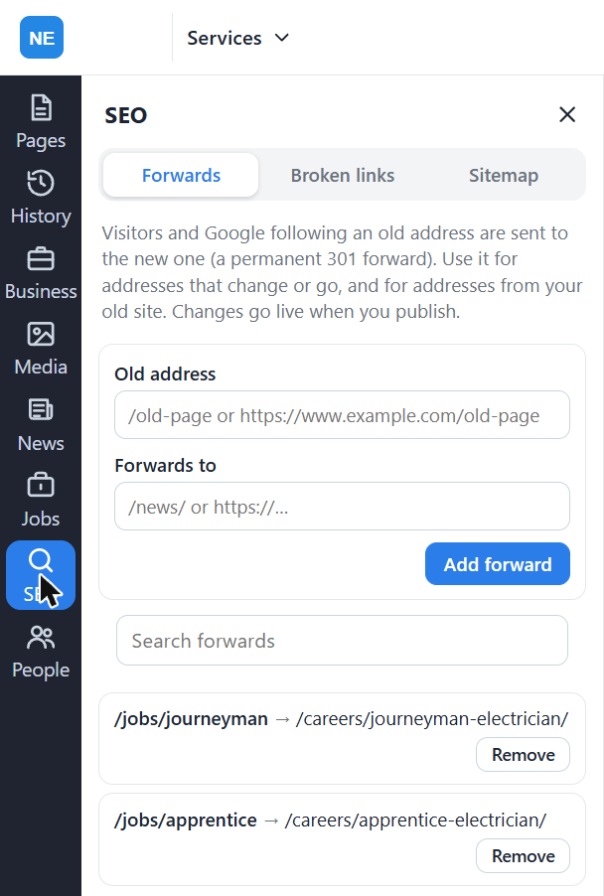
Keep your search ranking when pages move
Forward old addresses, find broken links, and a sitemap rebuilt with every publish.
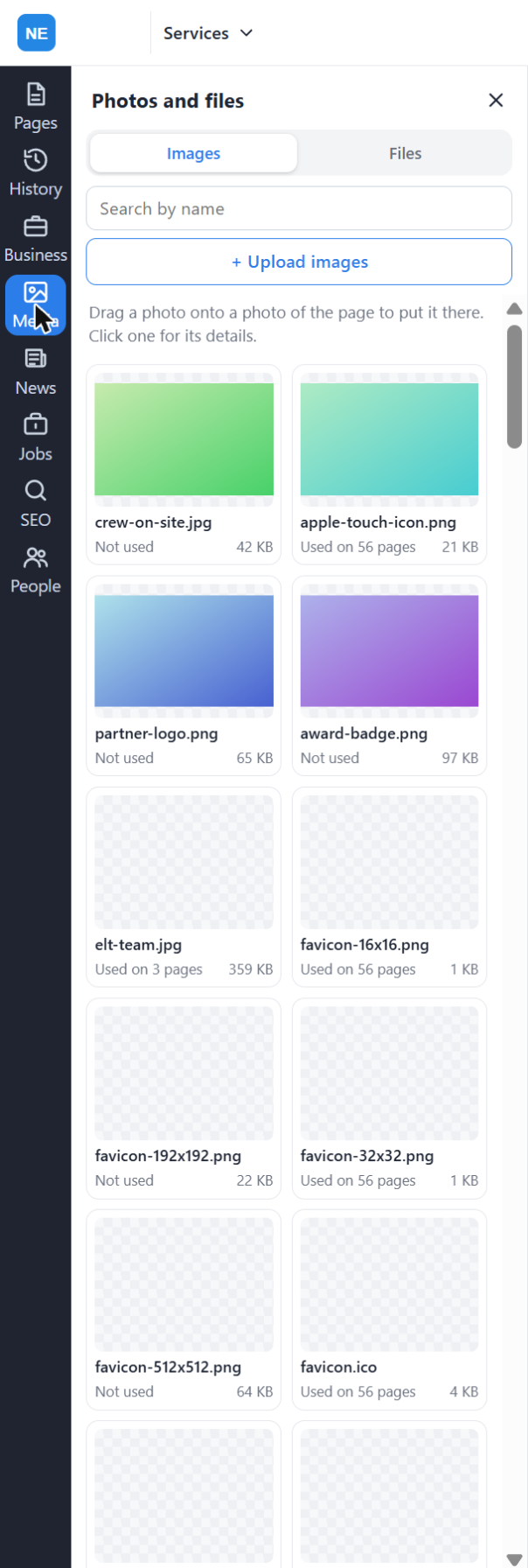
Upload once, use anywhere
Every photo and file in one library. Drag a photo onto the page to put it there.
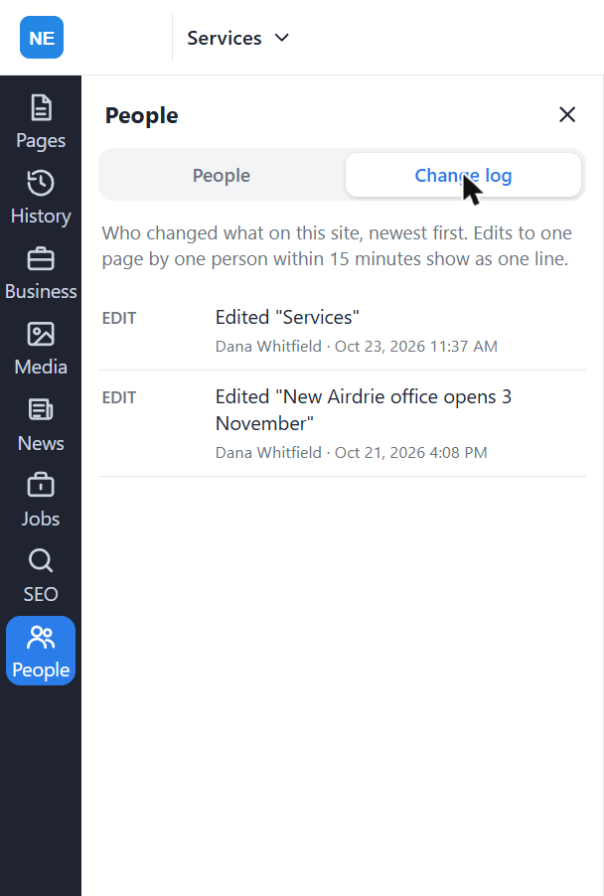
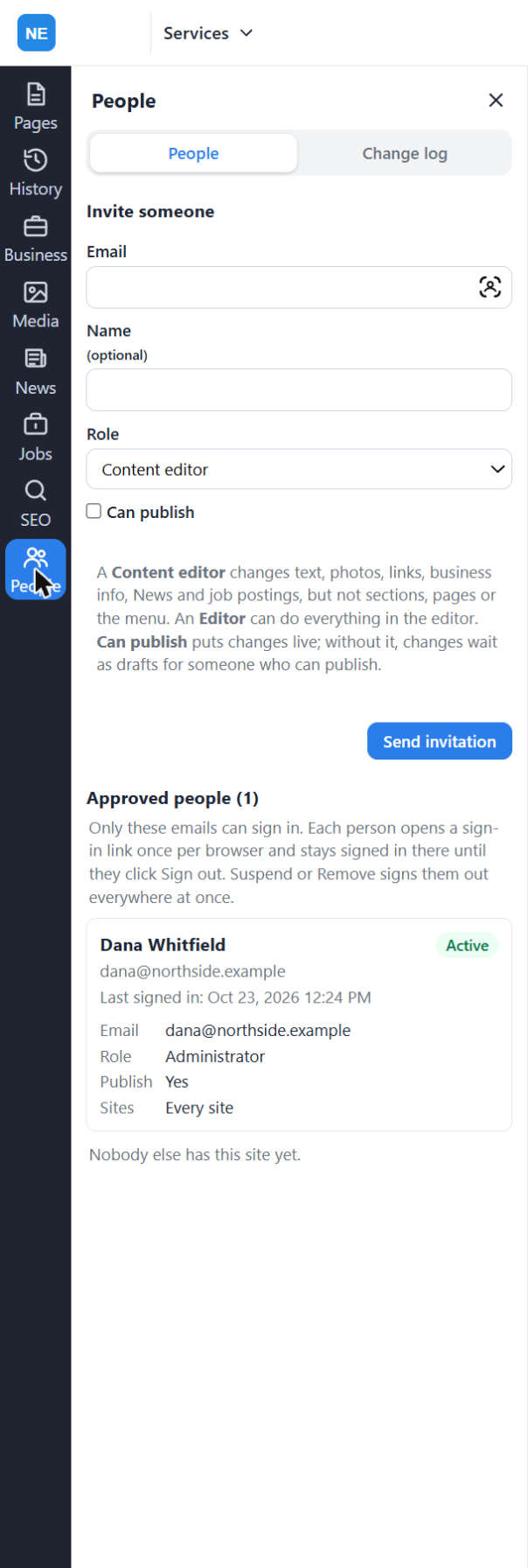
See who changed what
Every edit, newest first, with the name and the time.
Your site stays yours. Leave and nothing moves.
Your pages and every version are in your GitHub. Cloudflare publishes them from your account.
Keeps every page and every versionyour GitHubPublishes it worldwideyour CloudflareUp and running in three steps
Connect
Sign in and connect your GitHub, Cloudflare and AI accounts in your browser. No API keys, nothing to install.
Change
Edit on the page, or tell your AI what you want, from one word to a whole new site.
Publish
Check the change and publish it. Every version is kept, so anything can be undone.
How yoflow compares
| yoflow | A headless CMS | A website builder | An agency-built site | |
|---|---|---|---|---|
| Where the site lives | Your GitHub and Cloudflare accounts | Their database, plus a site your developer built | Their servers | The agency's hosting, usually |
| How you change it | On the real page, or ask your AI | In an admin screen, then a preview | In their editor | Ask the agency and wait |
| Who builds new pages | You or your AI | A developer | You, from their templates | The agency, quoted per job |
| If you leave | Nothing moves. The site is in your accounts. | Export the database, rebuild the site | You start over | Depends on the contract |
"Headless CMS", "website builder" and "agency-built" describe the usual arrangement, not any one company. All the comparisons →
Questions
Do I need to know anything technical?
No. You click the page and change it, or tell your AI what you want. Nobody writes code.
Do I have to move my website?
No. It keeps its address. You connect it to yoflow.
Do I need an AI account?
Only for Pro Flow. The US$9.99 plan is the yoflow editor on its own.
What if something goes wrong?
Open History, pick the version from before, and restore it. Every publish is kept.
Your next change, live today.
Try it free for 14 days. Add your AI when you're ready.
yoflow editor
The yoflow editor: US$9.99 a month for your website, with up to 100 people. 14-day free trial. Card required; cancel before day 14 and you won't be charged. Month to month, cancel any time.
Start free trialPro Flow
The yoflow editor, plus your own AI account integrated for editing and building.
Contact salesAlready using yoflow? Sign in